
ASIC Preventive Maintenance Schedule: A 2026 Checklist
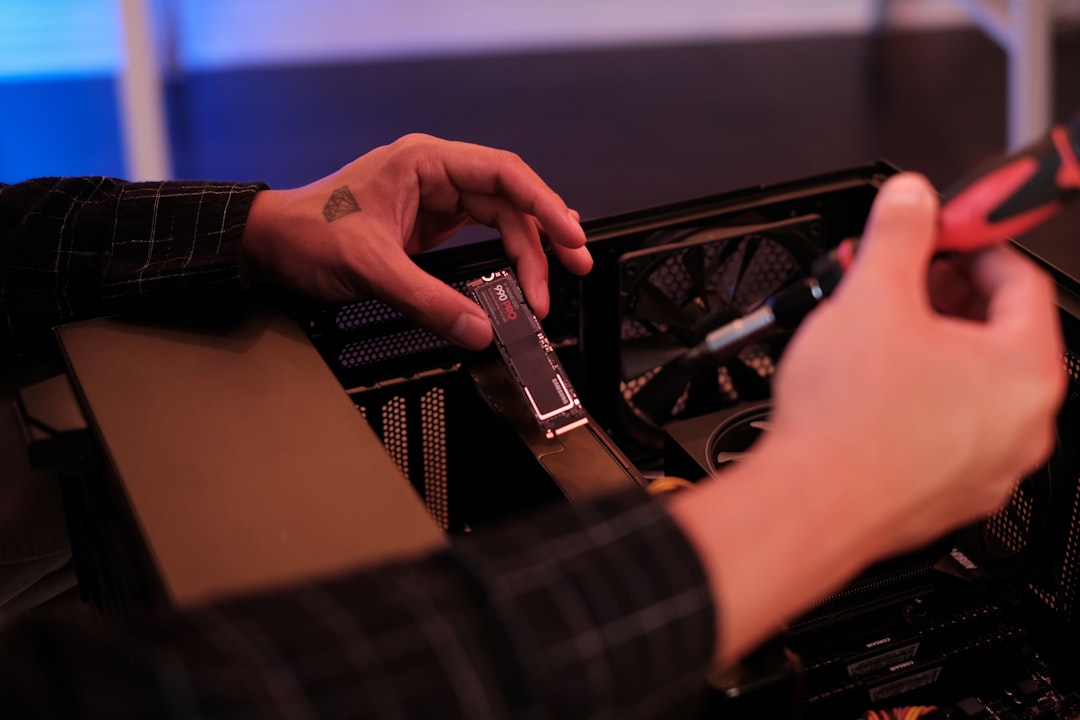
Most ASIC failures are preventable. Dust blankets, dried-out fans, sagging power supplies, and overheated chips rarely fail without warning — they degrade slowly, and a disciplined maintenance routine catches them before they cost downtime or a dead board. An ASIC preventive maintenance schedule turns reactive firefighting into planned upkeep, which is the difference between a fleet that runs at high uptime and one that lurches from one emergency to the next. This guide lays out a practical cadence — daily, weekly, monthly, and quarterly — for keeping Bitmain, Canaan, Goldshell, and Fluminer hardware healthy, with the safety rules that govern any hands-on work.
Why a maintenance schedule pays for itself
Downtime is the silent profit killer. A unit that overheats and throttles, or drops a hashboard, earns less every hour it runs degraded, and a unit that fails outright earns nothing until it is repaired. Preventive maintenance attacks the root causes: heat, dust, vibration, and electrical stress. Each is cheap to manage on a schedule and expensive to fix after failure.
The schedule also generates data. Logging temperatures, hashrate, and fan speeds builds a baseline, and deviations from baseline are the earliest warning of a developing fault. This is the same trend-watching that underpins our guides on hashrate dropouts and overheating — preventive maintenance is what keeps those problems from ever appearing.
Daily checks (5 minutes, remote)
Most daily tasks are done from a monitoring dashboard, not at the hardware. Confirm every unit is online and hashing at expected rate. Scan for chip temperatures above baseline, fan-speed errors, or units that have rebooted. Check pool-side hashrate against the dashboard to catch silent rejects or dropouts. Flag any unit reporting a reduced chip count, which signals a developing hashboard issue. A remote monitoring stack makes this a glance rather than a chore; our remote monitoring guide covers building one.
Weekly checks (hands-on, brief)
Walk the floor. Listen for fan noise — rattles, grinding, or surging RPM are early bearing-failure cues. Feel for hot spots and uneven exhaust temperatures. Check intake-side air filters and clean or replace them before they restrict airflow. Look for visible dust accumulation on grilles, loose cables, and any moisture or condensation. Verify ambient temperature and humidity are in range. Confirm power connections are secure and show no discoloration. None of this requires opening a case, so it carries no warranty risk.
Monthly checks (deeper, may require power-down)
Monthly tasks go deeper and may involve powering units down. Schedule dust cleaning for units in dusty environments or any unit whose temperatures have crept up — follow the method in our dust cleaning guide, always unplugging and discharging first. Inspect fan blades and bearings, and replace any fan that has been noisy. Check power cables and connectors for heat damage or looseness. Review the month’s logs for units trending toward problems. Verify firmware is current and back up configurations. For hydro and immersion systems, check coolant or fluid level and condition this month if not more often.
Quarterly and seasonal checks
Quarterly, do a thorough cleaning of every unit and the room itself, including filters, ducting, and exhaust paths. Inspect PSUs for any sign of aging — buzzing, heat, or voltage sag under load. Review electrical infrastructure: breaker condition, PDU temperatures, and grounding. For liquid-cooled fleets, evaluate whether coolant or immersion fluid needs flushing or replacement per the maintenance guides for those systems. Seasonal transitions matter: before summer, prepare for heat with the steps in our summer heat maintenance guide, since rising ambient temperatures push every thermal margin tighter.
Safety rules for all hands-on work
Every task that opens a case follows the same rules. Unplug the unit from the wall and let the PSU discharge before opening anything; the hashboards run on DC but the enclosure is mains-fed, so never work on a powered unit. Opening the case voids most manufacturer warranties — for in-warranty units, prefer non-invasive checks and RMA real faults rather than opening them. Use an ESD strap on board-level work, and leave PSU internals, hardwiring, and anything involving mains voltage to a qualified electrician. Keep cleaning and liquids away from energized equipment, and treat any leak or burning smell as an immediate shutdown trigger.
A sample schedule table in practice
Translate the cadence into a written checklist your team actually follows. Assign owners and dates. A workable template:
Daily: dashboard review — online status, temperatures, hashrate, chip counts. Weekly: floor walk — fan noise, filters, cables, ambient, moisture. Monthly: dust cleaning as needed, fan inspection, connector check, log review, firmware/backup, coolant level. Quarterly: deep clean, PSU and electrical inspection, fluid flush evaluation, seasonal prep. Adjust intervals to your environment — a sealed, filtered room stretches them, while a dusty or hot site tightens them. The point is consistency, not a fixed number.
Building a baseline so deviations stand out
A maintenance schedule is only as good as the baseline it measures against. When a unit is healthy — freshly cleaned, in normal ambient, hashing at rated speed — record its per-board chip counts, chip temperatures, fan RPMs, and wall power draw. That snapshot becomes the reference. A board that has quietly lost a chip, a fan trending slowly downward in RPM, or a temperature that has crept three degrees above baseline at the same ambient all signal a developing fault long before they trip an error. Without a baseline, those drifts are invisible until they become failures.
The practical move is to log these values on a schedule and review the trend, not just the instantaneous reading. A single hot reading on a summer afternoon means little; the same unit running progressively hotter week over week at constant ambient means something is degrading. Many monitoring tools chart these trends automatically, turning the review into a glance at a graph. The discipline of trending is what converts maintenance from reactive — fixing what has already broken — into predictive, catching the unit that is about to break while it can still be serviced on a planned schedule rather than during an emergency.
Adapting the schedule to your environment and scale
The intervals in this guide are a starting point, not a fixed law, and the right cadence depends heavily on environment and fleet size. A sealed, filtered, climate-controlled room can stretch cleaning intervals to quarters and still stay ahead of dust. A miner in a dusty garage, an agricultural area, or a hot, humid space may need monthly cleaning or sooner. Liquid-cooled fleets add coolant and fluid tasks that air-cooled setups never face. Let the data set the interval: when chip temperatures start creeping up at constant ambient, the cleaning interval is too long, regardless of what the calendar says.
Scale changes the approach as well. A single home unit can be maintained entirely by hand and eye, with the owner listening for fan noise and watching the dashboard. A fleet of dozens needs the work systematized: a written checklist with assigned owners and dates, a monitoring stack that flags problems automatically, and a spares inventory — fans, a control board, a PSU per model — so a fault is a quick swap rather than a downtime-extending parts wait. The economics shift too; at scale, the time saved by predictive maintenance and on-hand spares easily justifies the investment in monitoring and inventory, because every hour of downtime multiplies across the fleet.
When maintenance reveals it’s time to upgrade
A good schedule eventually tells you when a unit is no longer worth maintaining: rising failure frequency, parts that are hard to source, or efficiency so far behind current hardware that the running cost outweighs the revenue. At that point, retiring a unit and reinvesting in newer hardware is itself a maintenance decision. Operators tracking this can compare their aging fleet against the efficiency of current-generation models at Coin Web Mining to time replacements sensibly rather than running a unit until it dies mid-cycle.
Documenting the work so nothing slips
A schedule that lives only in someone’s head fails the moment that person is busy, sick, or replaced. The maintenance that actually happens is the maintenance that is written down, assigned, and tracked. A simple log — per unit, with dates for each cleaning, fan replacement, firmware update, and connector inspection — turns the cadence from intention into record, and that record is what reveals patterns: a unit that keeps needing fans, a rack that runs hotter than its neighbors, a model whose PSUs sag earlier than the rest. Those patterns are the data that drives both better maintenance and good upgrade timing.
For a single home miner the log can be a notebook or a spreadsheet. For a fleet it should live in the monitoring stack, with tasks assigned to owners and due dates that surface when work is overdue. The discipline of recording also protects against the subtle failure where a task is assumed done but was skipped — a filter no one actually changed, a coolant level no one verified. Tying the schedule to the documented baseline closes the loop: the log says what was done, the baseline says whether it worked, and the trend between them says what is coming next. That combination is what separates a fleet that runs at high uptime from one that lurches between emergencies, and it is the foundation that every individual maintenance task in this guide builds on.
References
- Bitmain Antminer maintenance documentation — Bitmain
- Canaan Avalon operating and maintenance guidance — Canaan
- ASIC miner specifications and operating conditions — ASIC Miner Value
How often should I clean and service my ASIC miners?
Can I do preventive maintenance without voiding the warranty?
What is the single most valuable maintenance habit?
If your logs show a unit costing more in repairs than it earns, an upgrade is the smarter maintenance move. The Coin Web Mining catalog lists current hardware with live pricing, and bulk orders can start with a quote.